
Mon to Sat 07 am to 06 pm
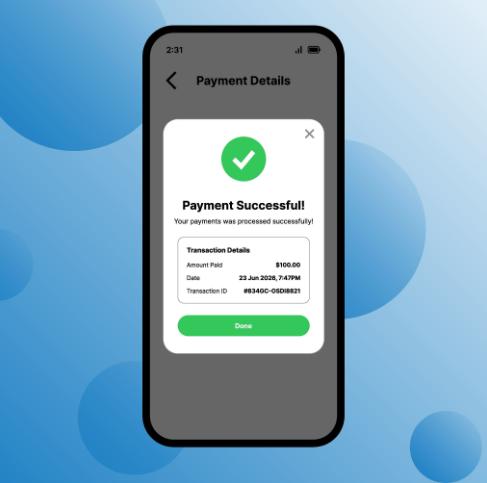
One of the most stressful problems during a WAFID medical booking is seeing a successful payment message without receiving the appointment slip. Applicants may worry that their money has been deducted but their medical appointment has not been created.
A successful payment and a generated appointment slip are related, but they should not be treated as the same thing. If you face this situation, avoid making another payment immediately. First, verify whether the appointment was actually created.
Start by checking the payment confirmation from your bank or card provider.
Note down:
- Transaction ID
- Payment date and time
- Amount paid
- Payment status
- Bank or card reference number
Take a screenshot of the successful transaction. Keep it until the booking issue is resolved.
Do not rely only on a bank SMS. If possible, check your banking application or card statement to confirm whether the transaction was actually completed.
The WAFID booking process uses the email address provided during registration. Check your inbox for an appointment confirmation or slip.
Also check your spam, junk and promotions folders.
Search your mailbox using terms such as “WAFID”, “appointment”, “medical examination” or the passport number used during registration.
If the payment was successful, try checking whether the appointment information is already available through the WAFID system.
The official WAFID platform provides an appointment-slip search facility. The slip contains important information such as the applicant's details, destination, appointment information and assigned medical centre.
If a valid slip already exists, do not create another booking simply because you did not receive an email immediately.
This is one of the most important precautions.
If your bank shows a completed payment but the WAFID booking is not immediately visible, making another payment can create unnecessary confusion.
First determine whether the original transaction created an appointment.
If the portal shows an error, save the error message and screenshot it. If the system later updates the booking, you will already have evidence of the original transaction.
If you need support, keep all relevant information together.
You may need:
- Full name
- Passport number
- Nationality
- Email address
- Mobile number
- Transaction reference
- Payment date
- Payment amount
- Screenshot of the payment
- Screenshot of the booking error, if available
Providing complete information makes it easier for the relevant support team to investigate the transaction.
A pending bank transaction is different from a completed payment.
Sometimes a bank may temporarily show an amount as deducted or blocked while the payment is still being processed. Do not assume that a pending transaction means that a WAFID appointment has been successfully generated.
Wait for the payment status to become clear and check the booking portal before taking further action.
If the payment was genuinely completed but no appointment or slip was generated, contact the appropriate WAFID support channel with the transaction evidence.
Do not send multiple payments simply to test whether the system works.
A missing WAFID slip after payment does not automatically mean that your money is lost or that you must pay again. First verify the transaction, check your email and appointment information, save your payment evidence and contact the relevant support channel if the booking remains unresolved.
Most importantly, always check the official WAFID portal and follow its current instructions because payment and appointment procedures can change.