
Mon to Sat 07 am to 06 pm
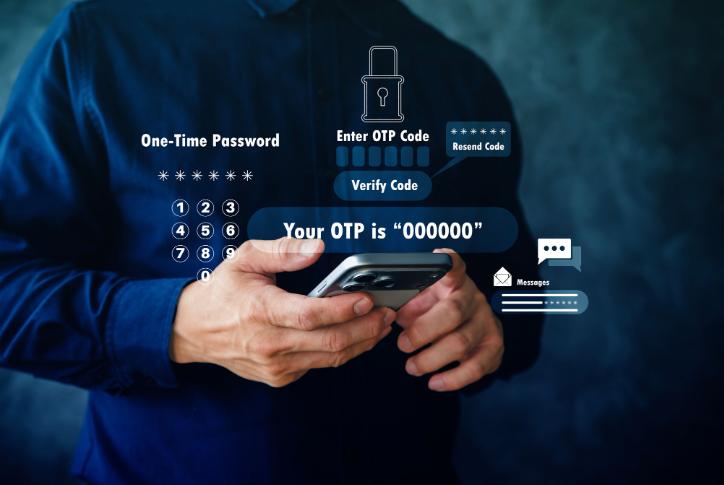
OTP verification is an important part of the current WAFID appointment process. During online booking, applicants may be asked to verify information using a one-time password. If the OTP does not arrive, the booking process can stop before payment or confirmation.
The problem is usually related to the contact information, network, delayed delivery or repeated OTP requests rather than the medical appointment itself.
The first thing to check is whether the correct mobile number was entered during registration.
A small typing mistake can prevent the OTP from reaching you. Carefully review the number before requesting another code.
If you are using a number belonging to another person, make sure you have access to that phone while completing the booking.
Repeatedly pressing the resend button can sometimes create confusion because several messages may arrive at different times.
If you requested an OTP and it has not appeared immediately, wait for a short period before requesting another one.
When a new OTP is generated, an older code may no longer be valid. Always use the latest OTP received.
A weak mobile network can delay SMS delivery.
Try moving to an area with better reception and check whether other SMS messages are arriving normally.
If you are using a phone with dual SIMs, make sure the correct SIM is active and able to receive messages.
Depending on the stage of the WAFID process, applicants may also receive booking-related information by email.
Make sure the email address entered during registration is correct and check spam or junk folders if you are expecting an email.
An email problem and an SMS problem are not necessarily the same, so identify exactly which verification message is missing.
OTP problems can sometimes appear alongside other registration problems. Before continuing, check that your personal details match your passport.
Pay particular attention to:
- Passport number
- Name
- Date of birth
- Nationality
- Mobile number
- Email address
The WAFID booking form asks applicants to confirm that the information supplied is accurate, so it is better to correct mistakes before completing the booking.
If you have checked the mobile number, network and email information and the OTP still does not arrive, take a screenshot of the page showing the problem.
Note the approximate time when you attempted verification.
Do not create several new registrations using different phone numbers unless the official support process specifically instructs you to do so. Multiple attempts can create additional confusion, particularly when passport information is involved.
The official WAFID FAQ advises applicants experiencing payment or technical issues to provide their passport number and a screenshot when contacting support. Keeping similar evidence ready is therefore useful when reporting a booking problem.
If you are still stuck at the OTP stage, do not assume that your appointment has been successfully created.
Payment should only be made when you have reached the appropriate payment stage of the booking process and can clearly see what you are paying for.
An OTP problem can be frustrating, but restarting the entire WAFID registration repeatedly is usually not the best first step.
Check your mobile number, network, email, spam folder and applicant information. Wait between OTP requests and use the latest code received. If the issue continues, save a screenshot and contact the official WAFID support channel with your passport and booking details.
Always follow the instructions displayed on the WAFID website because verification procedures can be updated.